 Sugar Glider Studio
FSeatback Tester build
Thanks for testing FSeatback
Turn tablets and phones into the passenger screens of your Microsoft Flight Simulator 2024 flight. They follow it live, from boarding to arrival, styled after the system the airline has on that aircraft.
You need a tester key to run FSeatback. No key yet? Request one below. Check what you need first.
Download
28 November 2026 · 270 MB · Windows, 64-bit
SHA-256 4CA97845714FC78EB55EC6605C608852F943CA533CD7E6BC5344E735E5DB8933
Airline packs Optional
Extra airline branding for immersion: names, logos, route networks and safety videos. Install them in the bridge window (FSeatback 0.3.13 or newer, step 5).
28 November 2026 · 337 KB · 173 airlines
SHA-256 88414A9FF33956243B410F4C7B575C39EFAC1421F21BCBEA30877AB39E856623
Request a tester key
Features
Each flight gets the look of the system the airline has on that aircraft type, in the airline's colours.
-
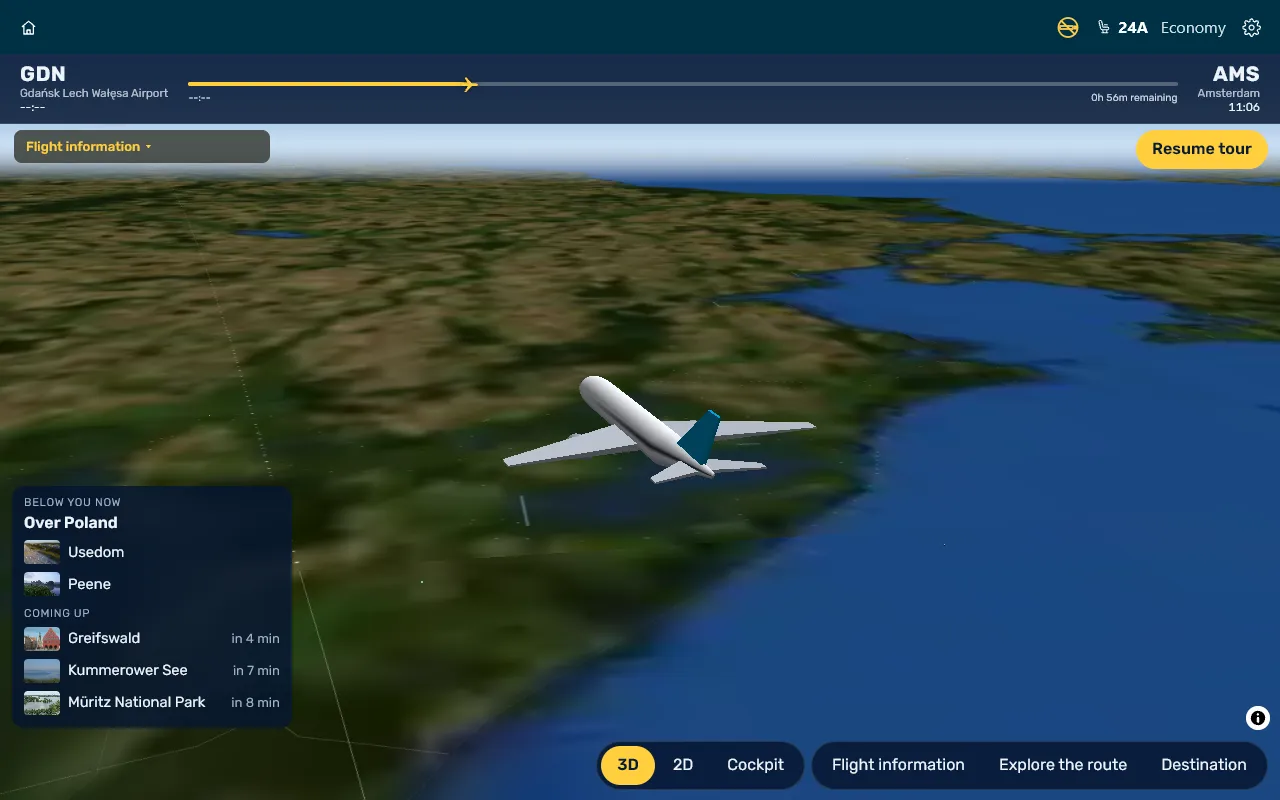 3D
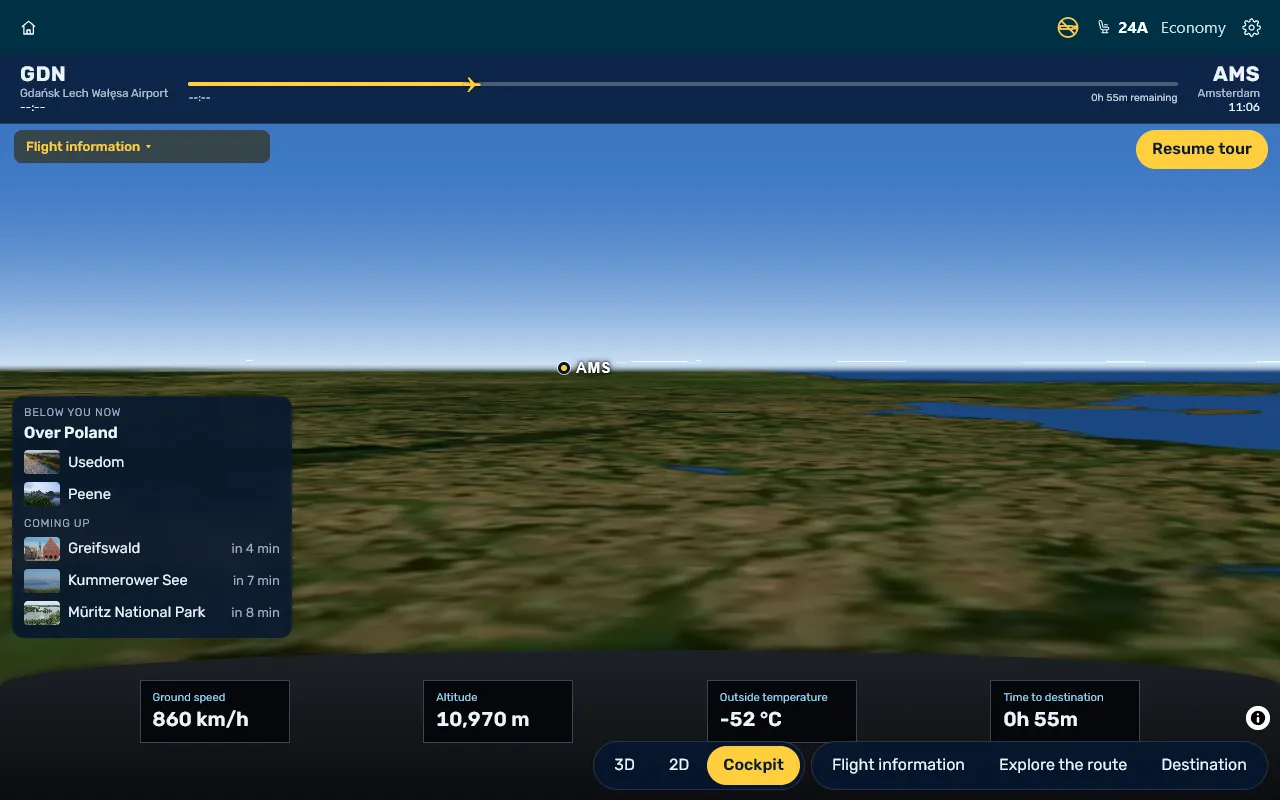 Cockpit
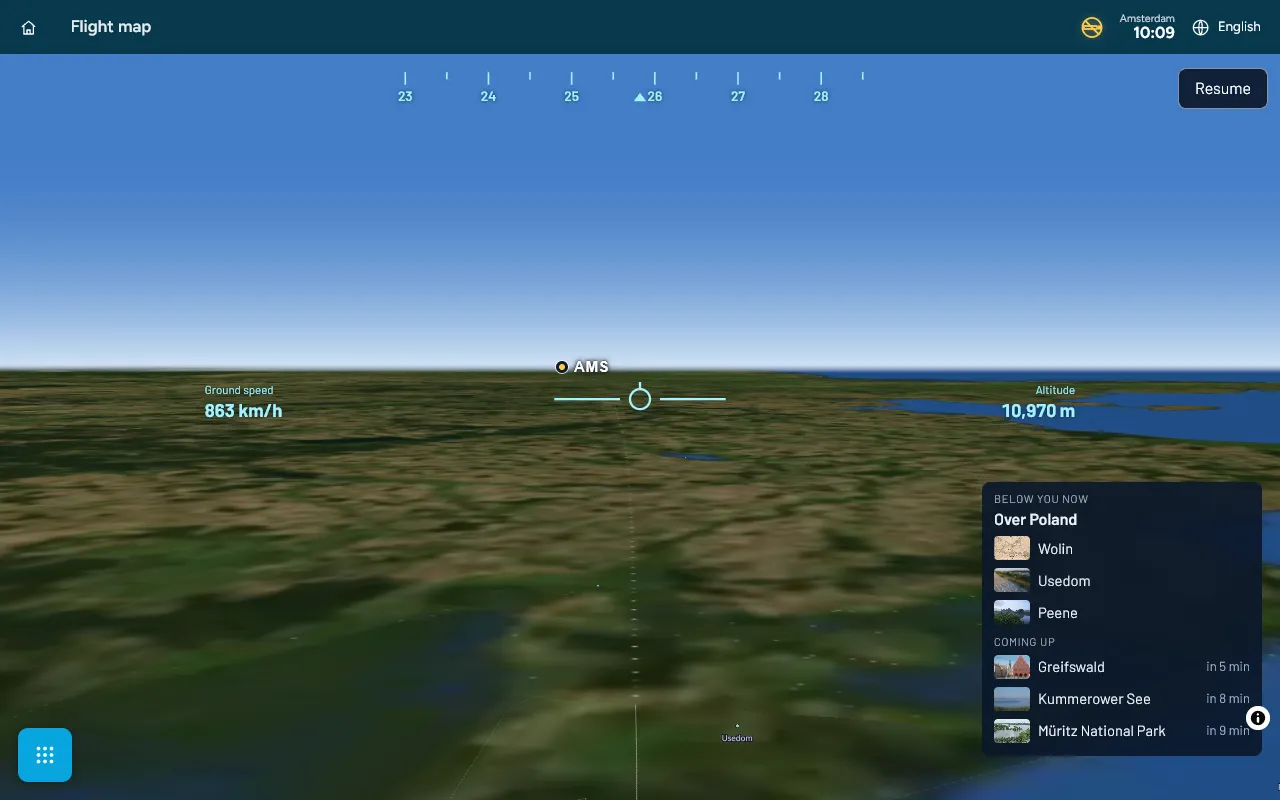 Head-up display
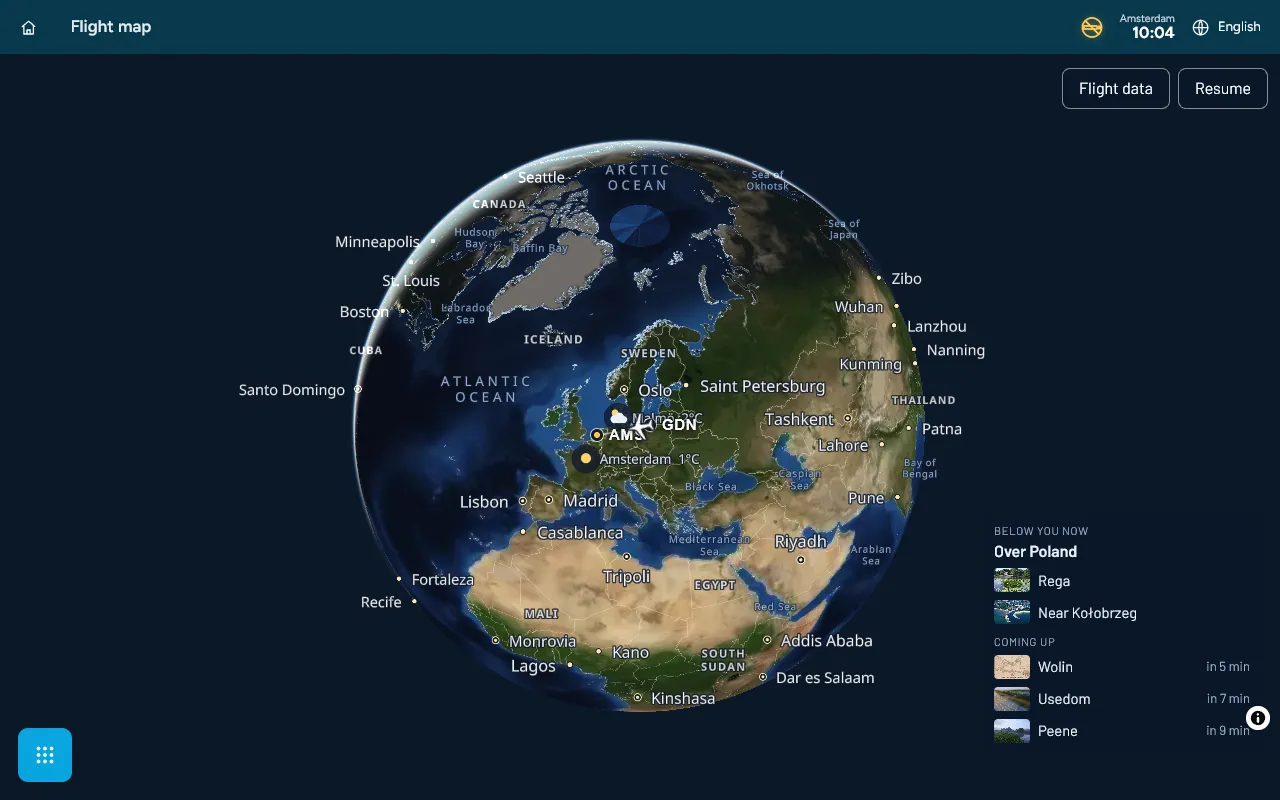 Globe
Map views
Follow the flight in 3D from behind the aircraft, the cockpit, the control tower or a head-up display, or on 2D maps and a globe. The views on offer and their look follow the airline's system.
-
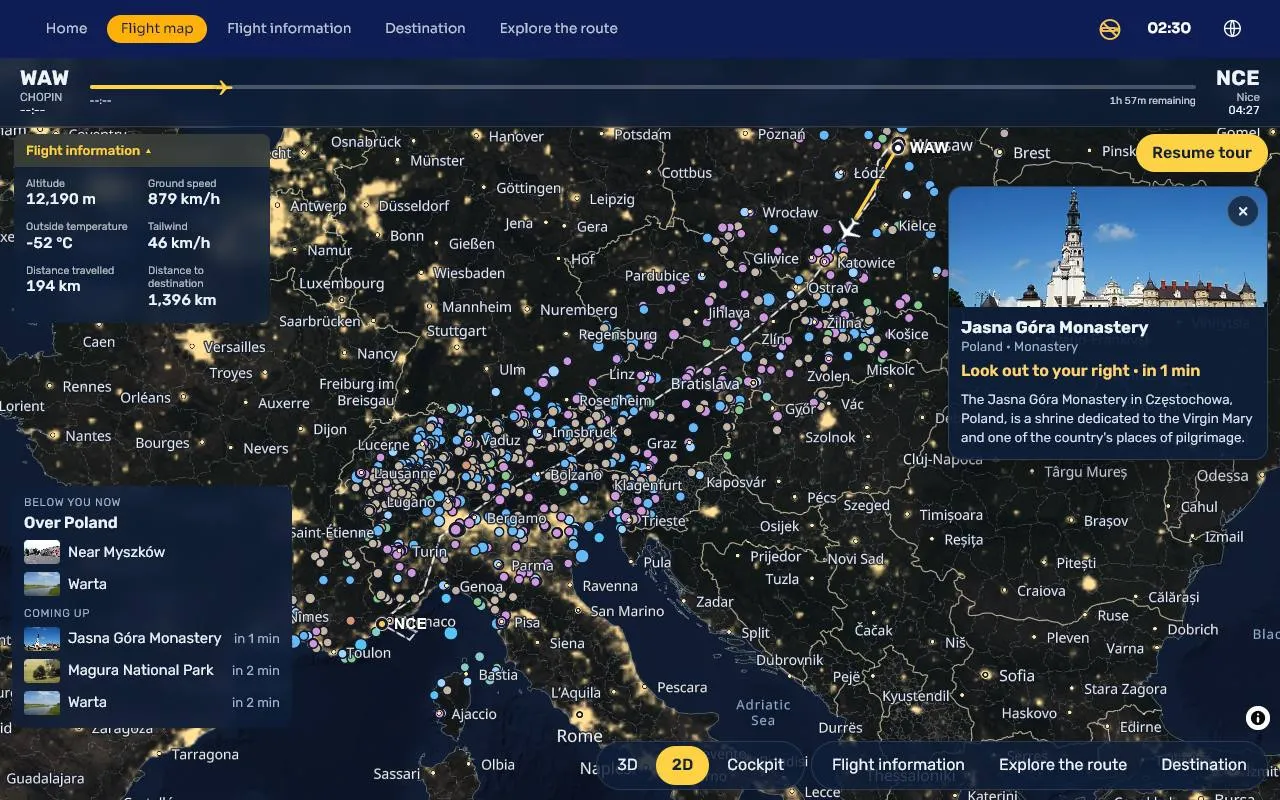
Points of interest
Cities, landmarks and nature along the route, with photos. A pop-up says when to look out and on which side; a list shows what's below you and coming up.
-
Flight information
Altitude, speed, outside temperature, distance and time to go, and local times.
-
Safety video
Starts at pushback, in step on every seatback screen.
-
Cabin signs
Seat belt and no-smoking signs follow the aircraft's switches, on supported aircraft.
-
Announcement indication
Cabin crew announcements (SayIntentions) display a PA in progress message. Cabby announcement recognition coming soon.
-
Destination guide
Getting in from the airport, sights, hotels, restaurants and the country's top places.
-
A seat on every device
Tablets get the seatback screen, phones get a wireless portal. Several seats at once, each with its class and seat number.
Screenshots
-
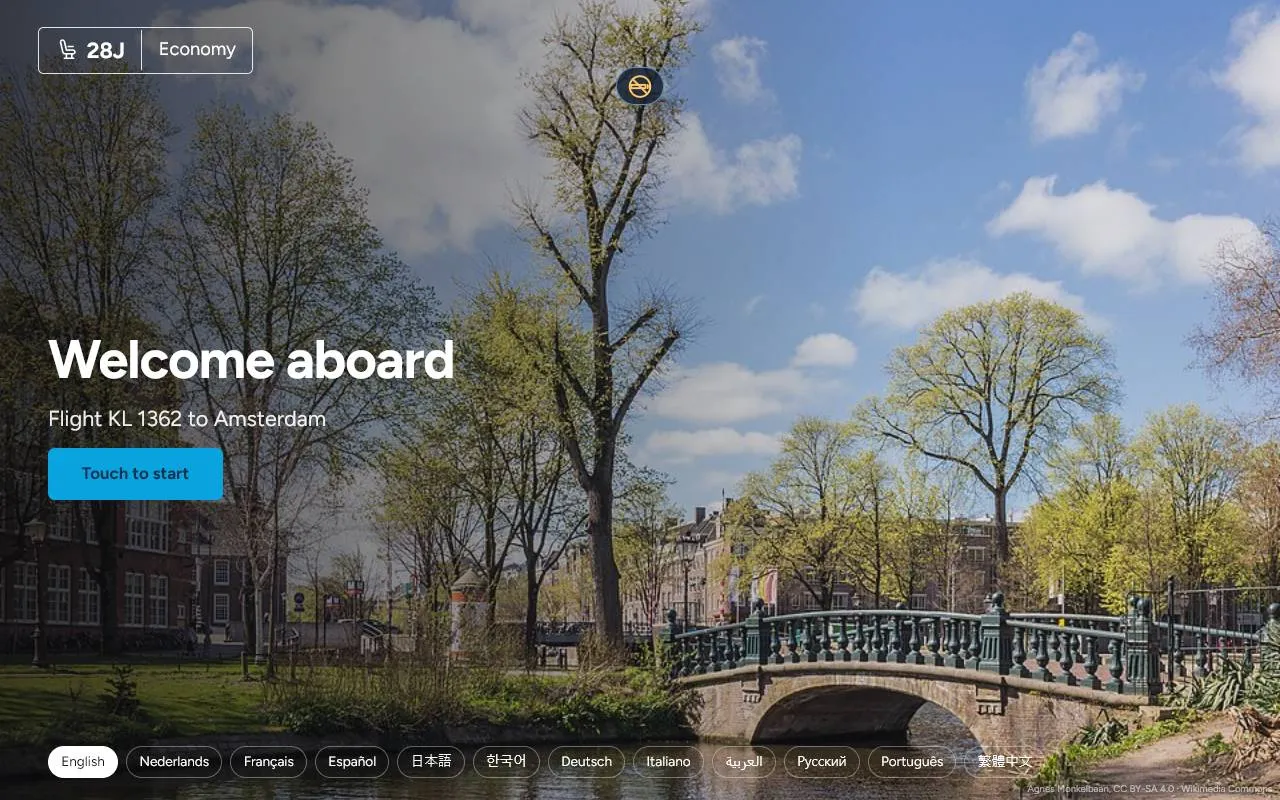
Welcome screen -
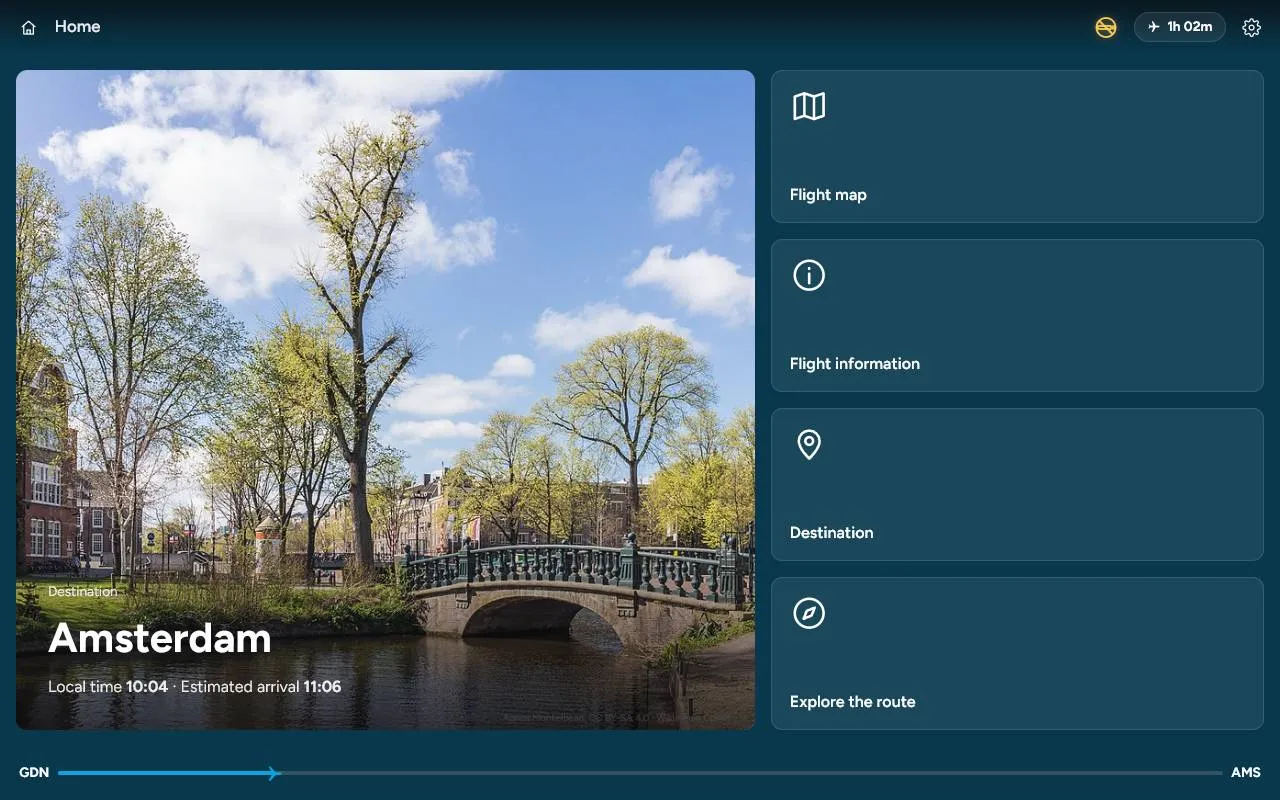
Home screen -
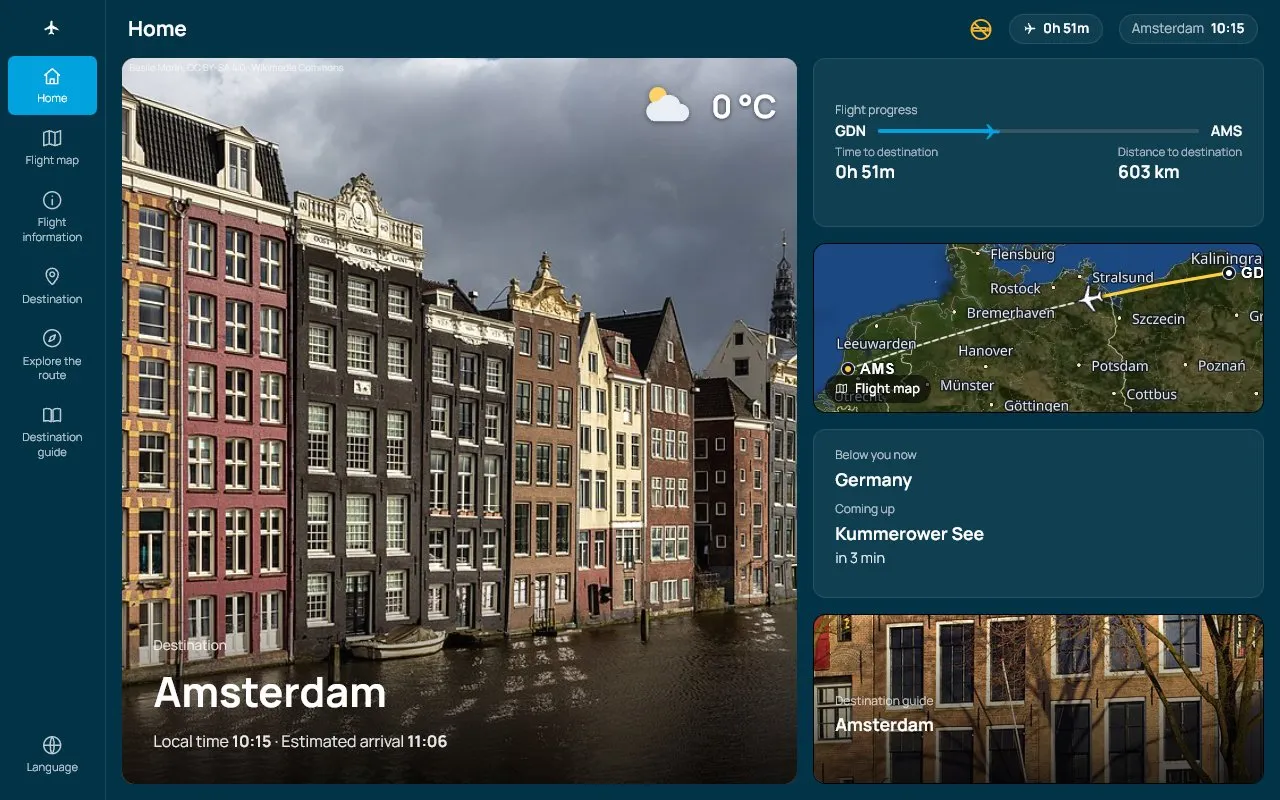
Home screen -
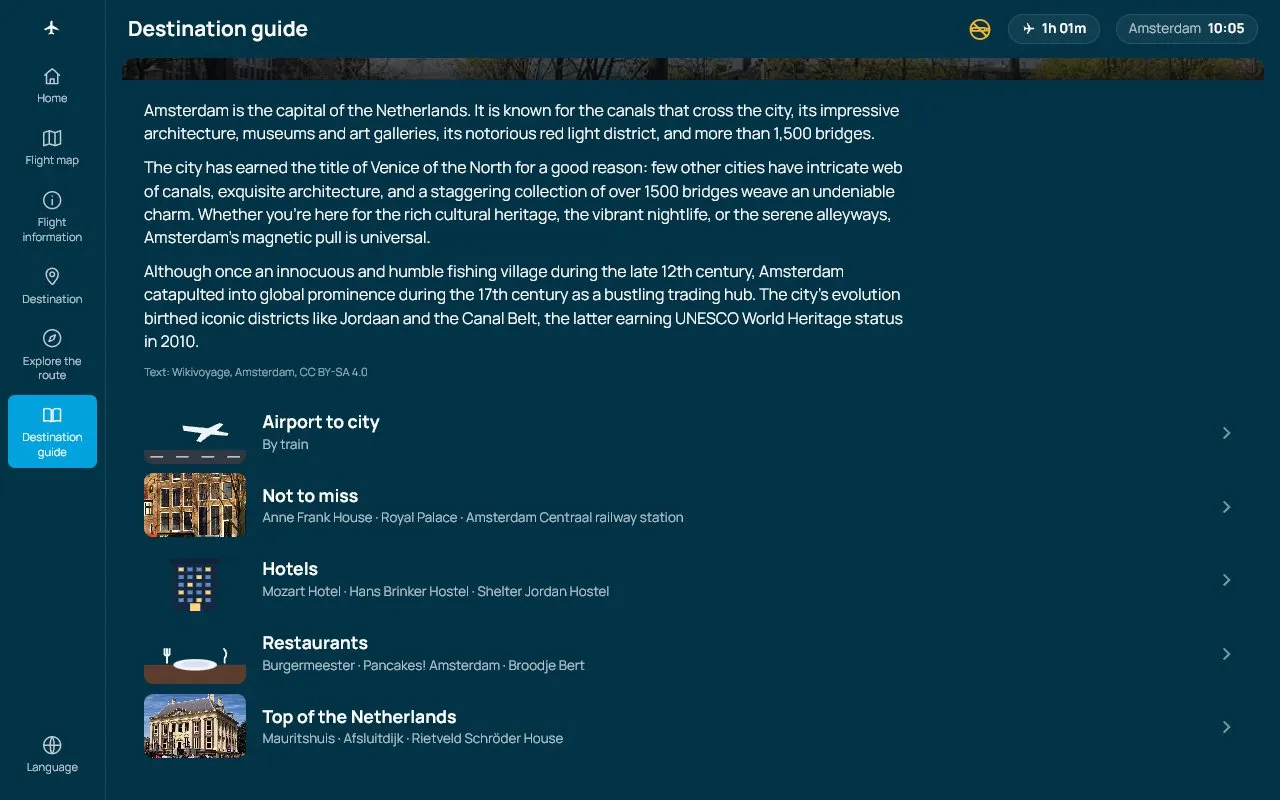
Destination guide -
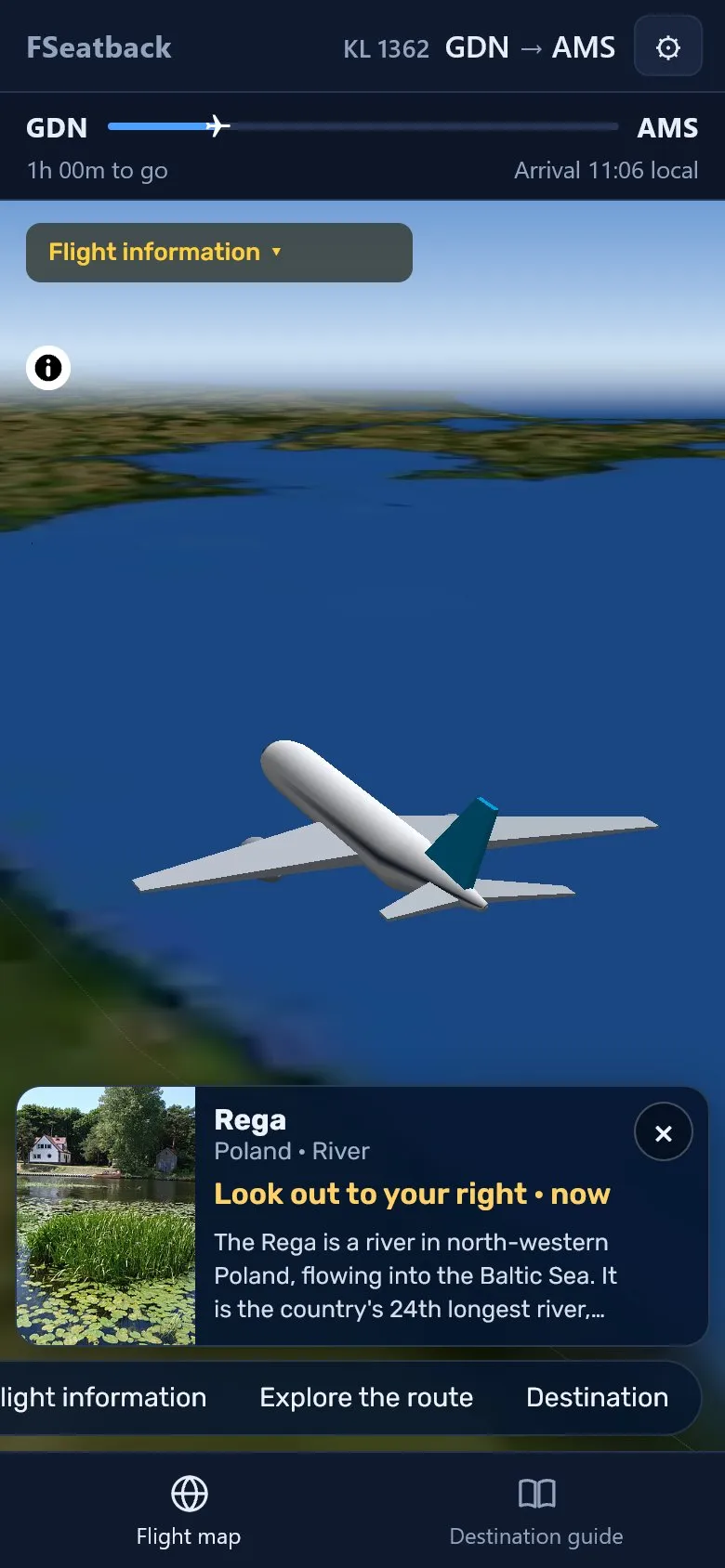
Wireless portal on a phone
Install
- Download the installer on the PC that runs MSFS 2024. Your browser may warn that the file isn't commonly downloaded: the test build isn't signed yet. Choose to keep it.
- Run it. Windows may say "Windows protected your PC": click More info → Run anyway.
- Accept the tester notice, Install, answer Yes to Windows' question, then Finish with "Start FSeatback" ticked.
- The bridge window opens with the Licence panel: enter your tester key and click Activate. The PC needs internet for this, and about once a week after. The key works on up to 3 PCs until its end date.
- Optional: download the airline packs. In the bridge window's Packages panel, click Install packages… and choose the zip, or drop the zip on the panel. They apply at once, even mid-flight. Remove takes a pack out again.
A new version installs over the old one; FSeatback closes itself first, and stays activated with its airline packs. New versions appear on this page.
Moving to another PC: Deactivate in the Licence panel on the old one first, or ask us to free a slot.
Use
- FSeatback runs in the tray (notification area, by the clock). Click its icon for the bridge window in your browser; right-click for the data folder or Quit.
- Start MSFS 2024 and a flight. Enter your SimBrief username in the bridge window's Flight panel and load your plan.
- Tablets and phones on the same Wi-Fi: scan the QR code in the bridge window's Join panel. Not a guest network.
Report a problem
Post in #bug-reports on our Discord, or email hello@sugarglider.studio, with:
- What you did, what you expected, what happened, and the time.
- The newest file from the data folder's
logs(tray icon → Open data folder, or%LOCALAPPDATA%\FSeatback\logs). - Screenshots of the seat screen, if you can.
Join the Discord with the link in your key email: it opens the tester channels. No link in yours? Email us for one.
Uninstall
Windows Settings → Apps → FSeatback → Uninstall. Your settings, caches, airline packs and licence stay in %LOCALAPPDATA%\FSeatback; delete that folder to remove them too. Uninstalling doesn't free the PC's slot: Deactivate first if the key moves to another PC.